Apps and their wiring, one screen
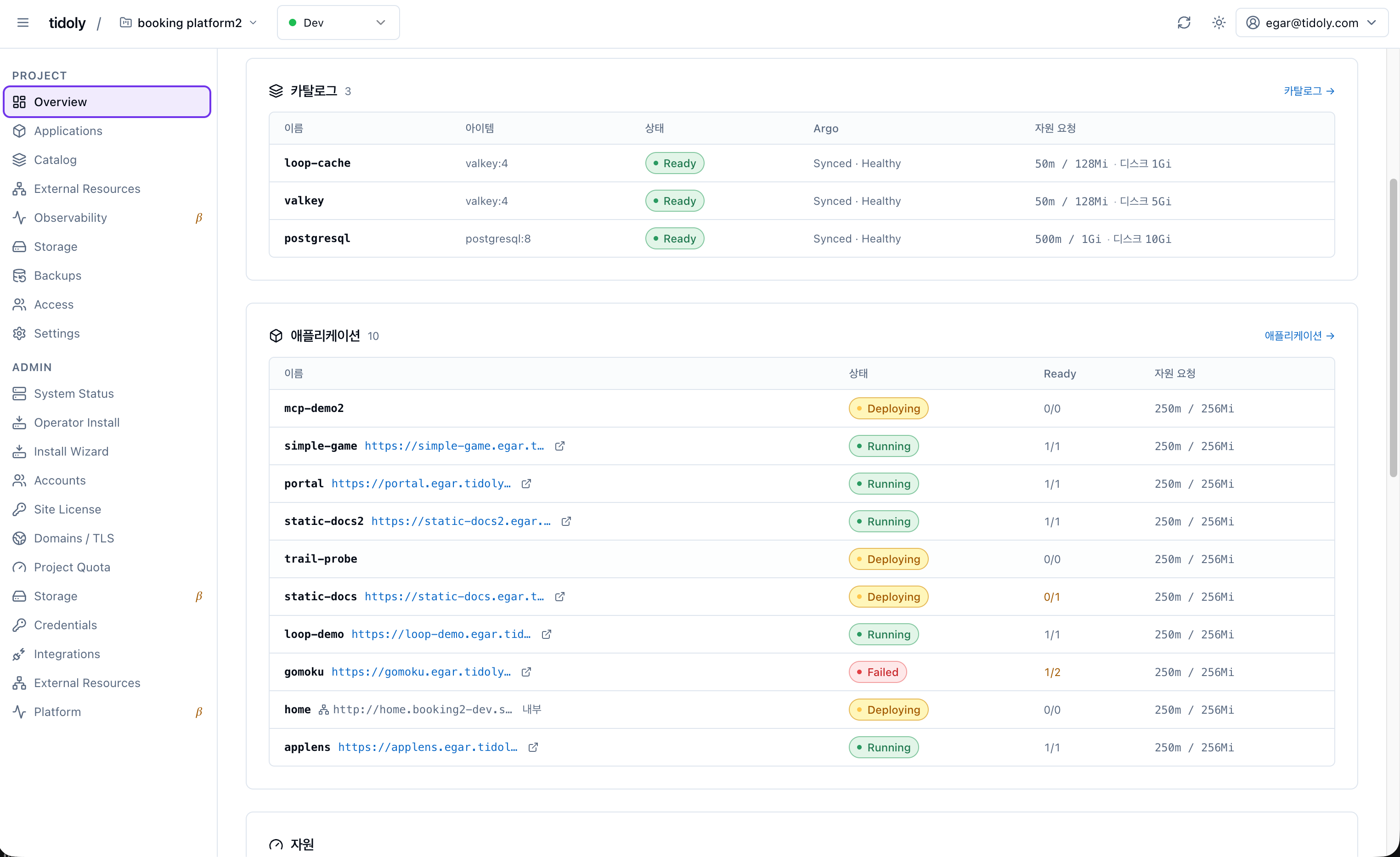
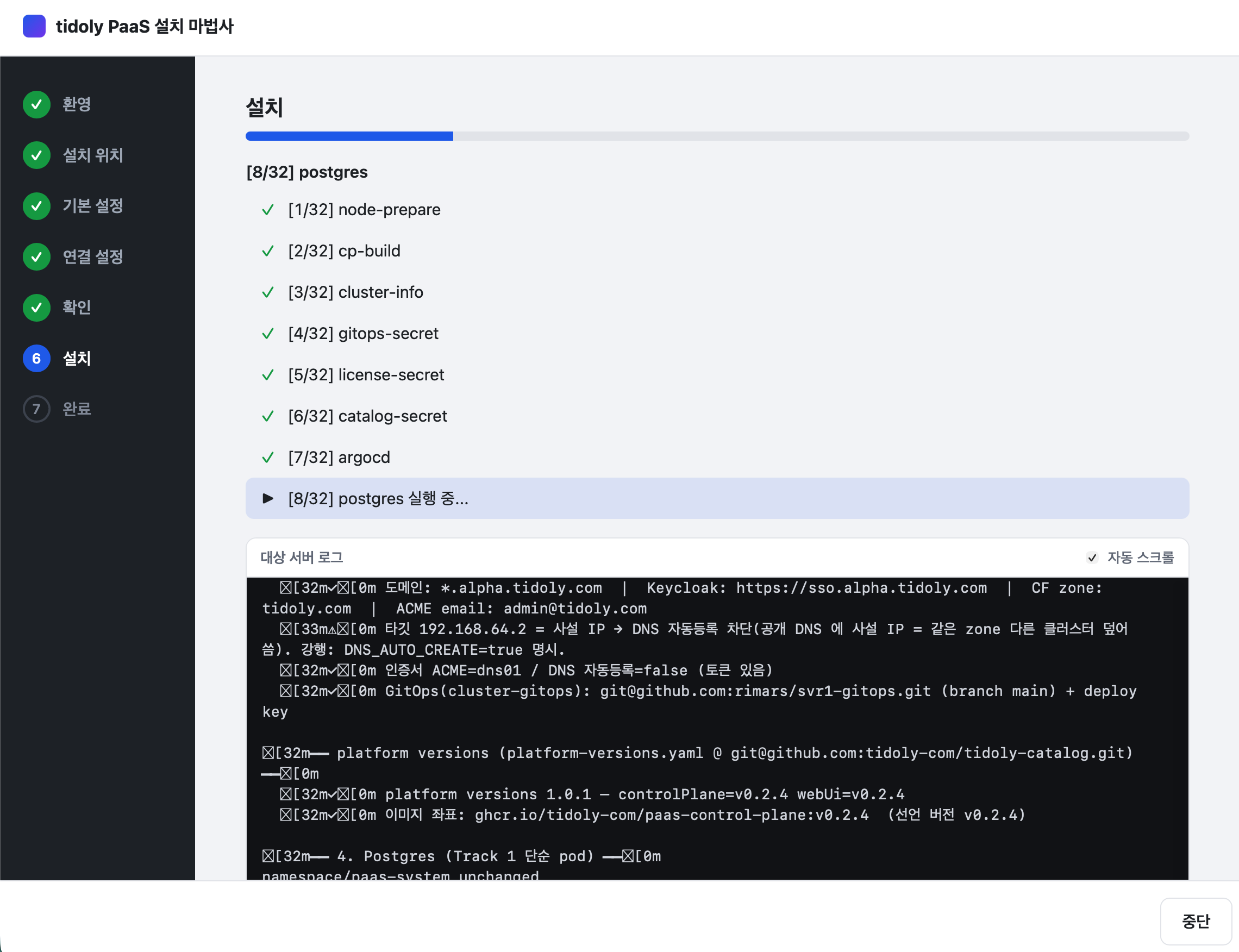
The actual screen — from install to HTTPS, sign-in and a connected database.
You should not have to learn the tools
People following tools around as they change is the wrong shape.
You do not study rolling and canary deploys to change how you ship.
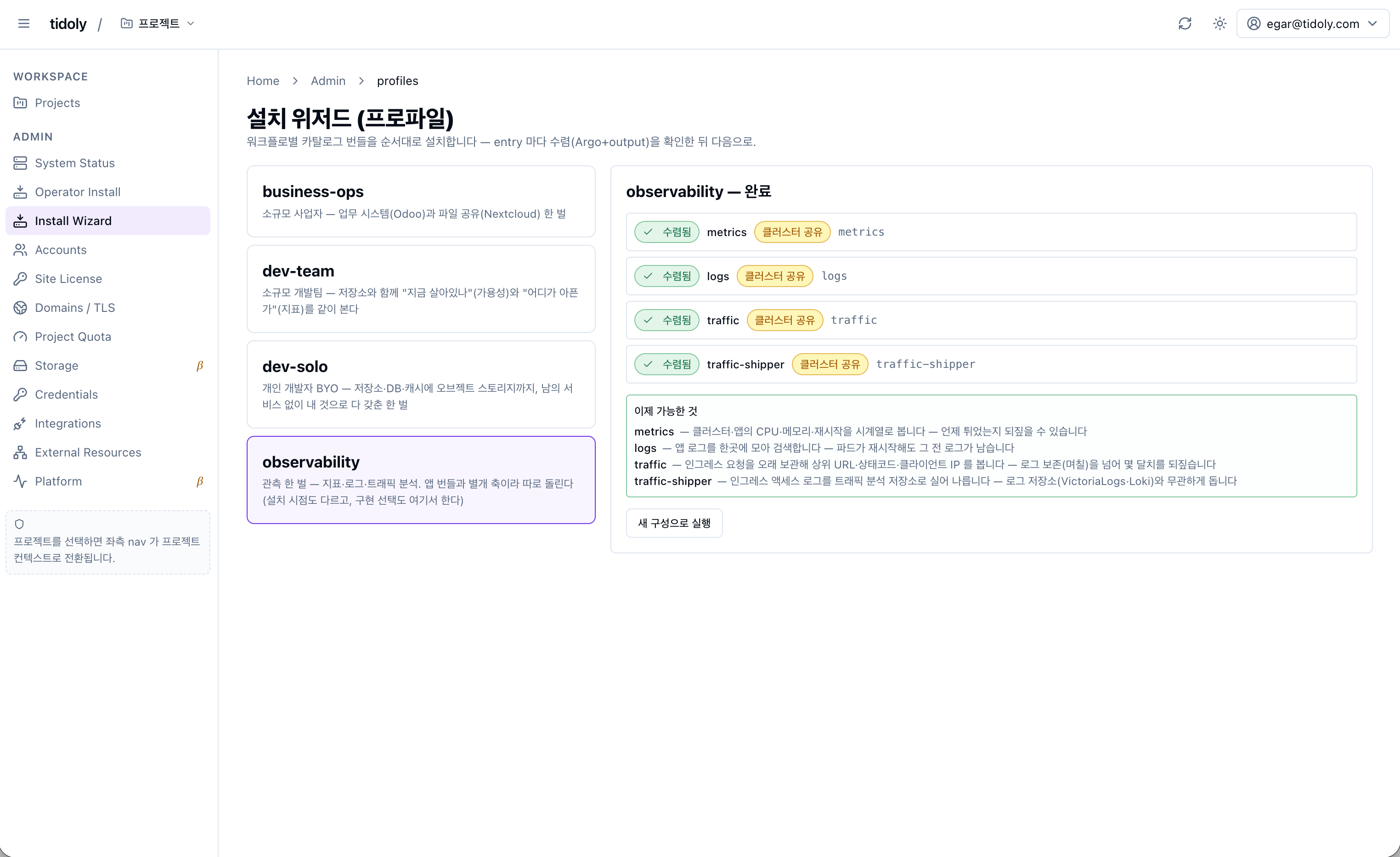
You install Argo Rollouts and the capability appears.
When logging changes, you do not learn Promtail syntax.
If you know Kubernetes, spend it on harder problems. If you do not, nothing changes for you.
Multiple ways to expose your service
The infrastructure gets assembled by hand. It takes a long time, and verifying or growing it is hard. None of it needs deep expertise — it needs someone who keeps doing it, because every new app repeats the same work. Your developers wait while that happens.
The infrastructure becomes code. Faster — and one wrong character takes the service down. Deployments, Services, Ingresses, Secrets and certificates are all separate pieces, so someone has to understand and maintain every one of them.
Your own app genuinely gets easier — a git URL is enough, and if the database is theirs, its connection string arrives as an environment variable. What it does not do is join apps to each other: signing into one app with another app's account (SSO), or updating the consumer when a password rotates, is still manual. And your apps and data live on someone else's infrastructure, with a bill that grows with usage.
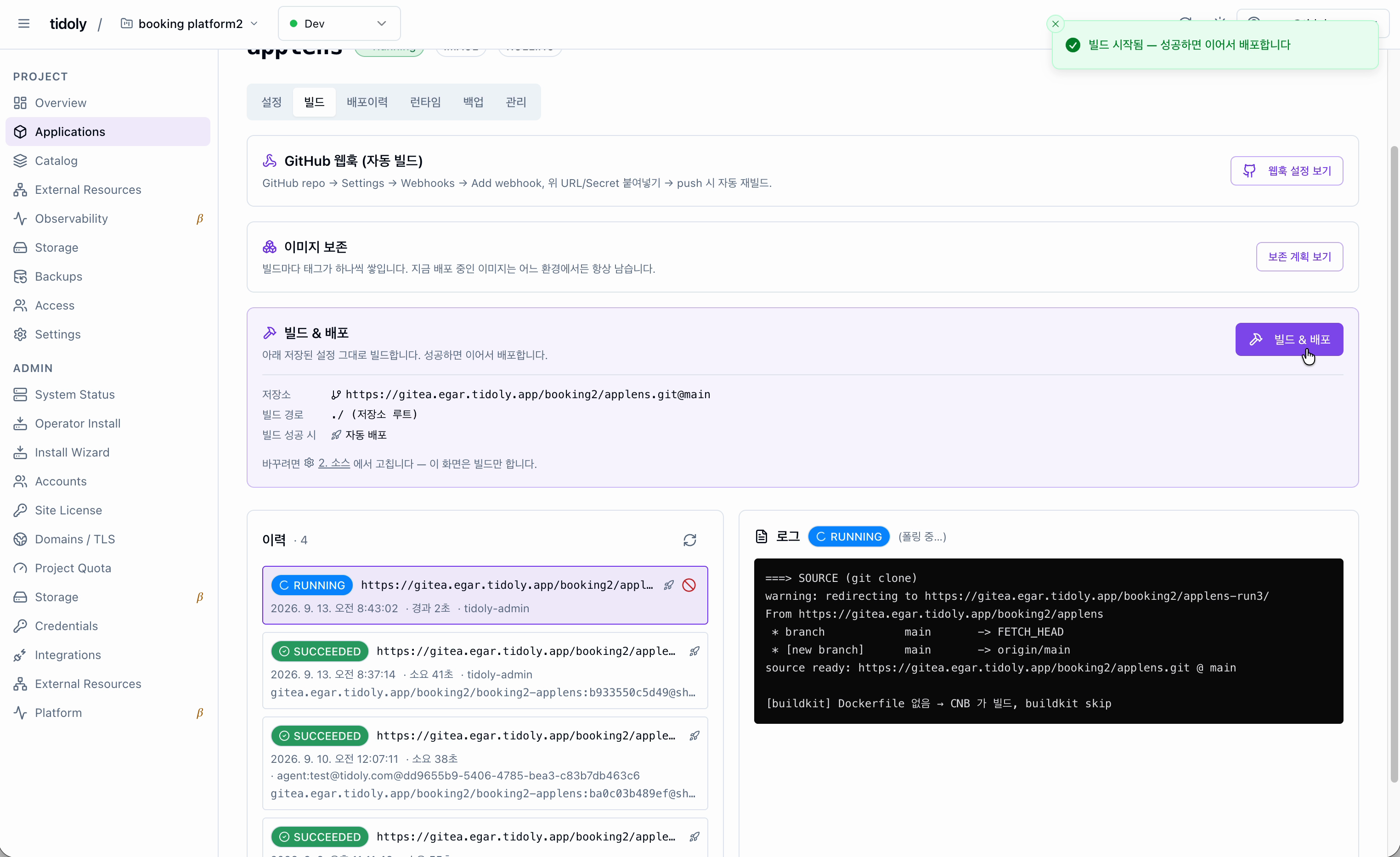
One install, one build setting, one domain. Your apps and catalog apps work the same way, and access, certificates and credentials arrive already connected. The next app is the same three steps. All of it on your own server.
This is how simple it gets
- Run the installer
- Install open source in one go
- Your own app, same one go
What gets connected for you
Database
Single sign-on
Domain and certificates
App to app
The catalog keeps growing
When an asset lands, how that app connects is defined with it.
It does not just install — it arrives ready to use.
Tell us if there is an app you need.
Catalog software is open source by default.
Please check each project's licence terms before you rely on it.
Installing is not the end of it
Monitoring comes with it
No upgrade procedure to work out
What is running stays on the record
Install onto any Linux server
The installer runs on your own computer and reaches the server over SSH.
A box under your desk or a cloud VM — it makes no difference.
The beta is free